

Smart tools help freelancers and small businesses automate daily operations—such as task management, invoicing, scheduling, communication, and follow-ups—so they can save time, reduce errors, and focus on revenue-generating work.
Why Smart Tools Matter More Than Ever
Most freelancers don’t fail because they lack skill.
They fail because everything depends on manual effort.
Common Daily Problems:
- Responding to clients across multiple platforms
- Remembering tasks and deadlines
- Sending invoices late
- Forgetting follow-ups
- Switching between too many apps
The Result:
- Missed deadlines
- Slow payments
- Mental overload
- Burnout
Smart tools solve this by building systems—not adding work.
What “Smart Tools” Actually Mean (Not Just Popular Apps)
Not every tool is smart.
A smart tool does one core thing:
It reduces the number of decisions you need to make every day.
A Tool Is Truly “Smart” If It:
- Automates repetitive work
- Saves time without adding complexity
- Integrates with other tools
- Works consistently without manual checking
A Tool Is Not Smart If It:
- Needs daily configuration
- Creates more dashboards to manage
- Exists only to “store” information
Smart tools move work forward automatically.
Where Freelancers & Small Businesses Lose the Most Time
Before choosing tools, you must identify where time leaks happen.
The 5 Biggest Time-Draining Areas:
- Task and project management
- Billing and payment tracking
- Meeting scheduling
- Client communication
- Context switching between tools
Each problem needs a specific type of smart tool.
Smart Tools for Task & Project Management
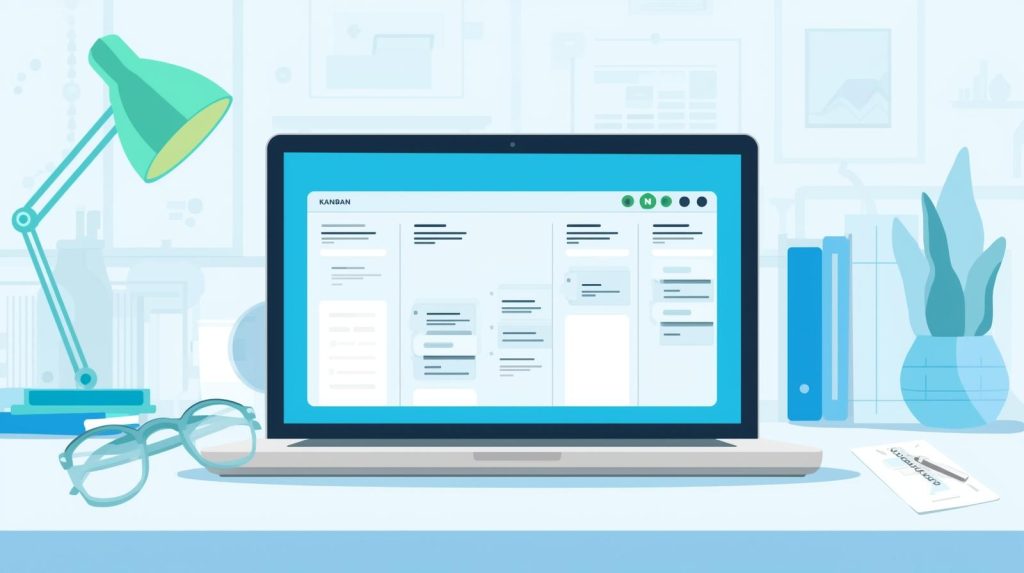
Tasks fail when they exist only in your head.
A task management tool gives you:
- Clear priorities
- Visible progress
- Fewer forgotten actions
Trello – Simple & Visual
Best for: Solo freelancers and beginners
Key Features:
- Kanban-style boards
- Drag-and-drop tasks
- Minimal setup
Why It Works:
- Easy to understand
- No learning curve
- Instant clarity
Asana – Structured & Deadline-Focused
Best for: Teams and multi-step projects
Key Features:
- Task dependencies
- Timelines and due dates
- Automated reminders
Why It Works:
- Keeps projects on schedule
- Reduces follow-up stress
Notion – Flexible All-in-One Workspace
Best for: System builders and content-heavy workflows
Key Features:
- Tasks, notes, databases
- Custom workflows
- Full flexibility
Important Note:
- Powerful but requires discipline
- Not ideal for absolute beginners
Important Rule
- ❌ Don’t use multiple task tools
- ✅ Choose one and use it consistently
Smart Finance & Invoicing Tools (Get Paid Without Stress)

Late invoices lead to late payments.
Late payments lead to stress.
Smart invoicing tools help you:
- Send invoices on time
- Track payments easily
- Look professional
Wave – Best for Beginners
Ideal for:
- New freelancers
- Small service providers
Features:
- Free invoicing
- Basic expense tracking
- Simple interface
FreshBooks – Built for Service Businesses
Ideal for:
- Consultants
- Agencies
Features:
- Time-based billing
- Automatic payment reminders
- Professional invoice design
QuickBooks Online – For Growing Businesses
Ideal for:
- Scaling freelancers
- Small teams
Features:
- Advanced reports
- Tax-ready records
- Long-term scalability
Quick Win
- Turn on automatic payment reminders
- Get paid faster without awkward follow-ups
Smart Scheduling & Communication Tools

Manual scheduling wastes hours every week.
Smart scheduling removes back-and-forth emails.
Tools That Work Well Together:
- Calendly – Self-booking meetings
- Google Calendar – Real-time availability
- Zoom – Video meetings
- Slack – Organized communication
Benefits:
- Faster bookings
- Better client experience
- More professional workflow
Clients associate speed with competence.
Smart Productivity & Branding Tools

You don’t need a big budget.
You need consistency.
Canva – Design Made Simple
Use Canva for:
- Social media graphics
- Proposals and documents
- Brand visuals
Why It Works:
- No design skills needed
- Ready-made templates
Toggl Track – Understand Your Time
What It Helps With:
- Tracking billable hours
- Identifying unprofitable work
- Improving pricing decisions
Key Benefit:
- Awareness leads to better decisions
Grammarly – Clear Communication
Helps Improve:
- Emails
- Proposals
- Client communication
Why It Matters:
- Clear writing builds trust
- Fewer misunderstandings
Automation: The Layer That Ties Everything Together
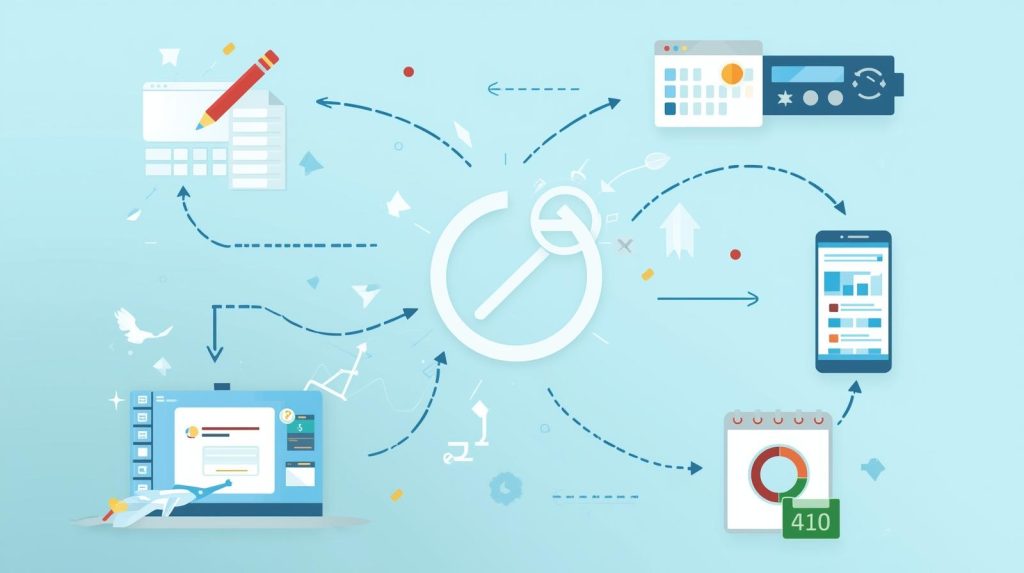
Automation is not technical or complicated.
It simply means:
When one thing happens, another thing happens automatically.
Examples of Simple Automation:
- Form submission → Create task
- Meeting booked → Send Zoom link
- Payment received → Mark project complete
Zapier – Automation Without Coding
- Connect apps
- Reduce manual work
- Build simple workflows
Common Use Cases:
- Forms → Task tools
- Scheduling → CRM
- Payments → Notifications
Even basic automation can save hours every week.
Smart Tool Stacks (Simple & Effective)
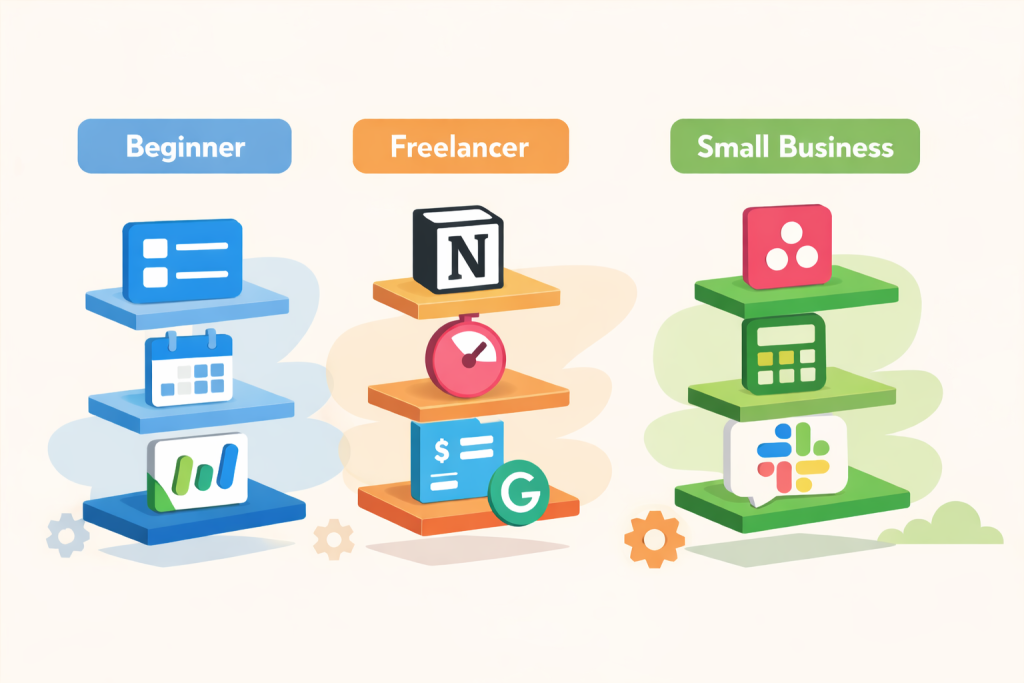
Beginner Stack
- Trello
- Calendly
- Wave
Best for: Starting fast with low cost
Freelancer Stack
- Notion
- Toggl Track
- FreshBooks
- Grammarly
Best for: Full-time freelancers
Small Business Stack
- Asana
- QuickBooks Online
- Slack
- Zapier
Best for: Teams and growth
How to Choose Tools Without Getting Overwhelmed
Follow this simple approach:
- Identify one problem
- Choose one tool
- Use it consistently
- Optimize later
- Add tools only when needed
Avoid:
- Tool overload
- Over-automation early
- Complex setups without purpose
Final Thoughts
Smart tools don’t replace effort.
They protect your time and focus.
When systems work in the background:
- Stress decreases
- Work quality improves
- Income becomes predictable
Start small.
Build systems slowly.
Let tools work for you.


